
Safe Browsing with Tor and Mullvad
As the Chrome and Chromium browsers are true spying machines, what's the alternative?


My guess is that you are currently using Google Chrome as the browser on your computer. By far most people do that. Others use Microsoft Edge, Opera, Vivaldi, or some other browser that is essentially the same: because Chrome is based on an open source core called Chromium, and that same core can be found in most other browsers.1
Problems and alternatives
Recent articles by security experts have revealed that Chrome and Chromium work well as browsers, technically speaking, but they contain various mechanisms and features that can be exploited by websites to collect quite comprehensive amounts of data about you and your browsing habits.
Some of these mechanisms are reserved for Google sites, so that Google themselves can spy even more on you than their competitors in the Internet space, but no matter what, it is bad!
The fact that something is open source doesn’t prevent a company like Google to have a siginificant influence on the development, so the many other browsers using Chromium may be able to fork2 the code and make their own variety of it, but it would lead to the loss of benefiting from further developments on the main project, plus Google may set up some restrictions on how such a fork can be used, so this is not often done.
An alternative to Chrome is Firefox, which is based on Gecko from Mozilla – also an open source core, but not under Google’s control.
Firefox has significantly fewer mechanisms and flaws that allow for spying on you, but yet, some are there.
A different kind of consideration you may have around Firefox is that they get 85% of their income from Google! Google pays them that much, half a billion each year, to make Google the standard search engine in the browser. So, even though Firefox says that this is it, there are no other ties, you could wonder if they perhaps anyway may do something, at times, with their code or the adminsitration of it, that is for the purpose of keeping that income stream alive, i.e., something that benefits Google more than the users of the browser.
A third alternative is Safari, from Apple. It is based on the Webkit core, which is also open source, and controlled by Apple. There are not many other browsers than Safari that uses webkit, apart from a couple of smaller browsers for Linux and a few, older browsers for some mobile phones, like the BlackBerry, but there’s a catch: Webkit has been forked by Google, renamed into Blink, and Blink is part of Chromium.
For the sake of completion, the Trident core by Microsoft should also be mention. It is used by the now discontinued Internet Explorer, but is also present in some other browsers on the market, alongside other cores, for instance in Microsoft Edge that uses it together with Chromium.
A couple more browser cores exist, but they have no real significance.
Hence, if you want to use something that is not controlled by Google, you will have to stick with Apple or Firefox.
A problem with Chromium is the construction of if, as mentioned, but another is that is is just the core – browser manufacturers want more features, and Goggle is ready to provide some of those as services (which are not awailable to forks). This can be such as the Safe Browsing API, where the browser sends web addresses to Google for evaluation, and gets information back on whether the site is registered as a dangerous site that should be avoided.
Google offers a range of such services, and the browsers using Chromium are willingly making use of them.
A reminder of why you don’t want your browser to spy on you
I recently shared an article from another Substack of mine, “Your Data Are Your Freedom”, that touched this topic.
In that article, I mentioned some of the many data that are being registered about you and what you do, and I mentioned how this can be part of, or next to, social engineering activities, with the purpose of making it possible for others to take over parts of your life, locking you out of it and pretending to be you.
An article from Cybernews, “You’re being watched: How internet surveillance tracks and manipulate you”, explains more about what is bad about being monitored like that:
… Aggregation and analysis of large quantities of data from various sources lets these corporations infer information about your hobbies and interests, political views and religious affiliations, financial status, disabilities, and even more. A simple Google search and an accepted cookie can reveal information about you that you wouldn’t think to tell anyone.
In the best-case scenario, Google will use this information to make an advertisement profile for you, resulting in personalized ads on social media. However, in worse cases, this advertisement profile could be used for subtle psychological manipulation known as social engineering, and discrimination on the internet and in real life.
For example, scammers may use information about you in phishing attacks to convince you to log into your bank account via a malicious website. An insurance company, an airline, or any other service may engage in price discrimination based on the information they have on you. Furthermore, your advertisement profile is also a behavioral profile, which can be used to subtly influence your views and opinions by displaying heavily targeted social media content and/or ads.
The vulnerabilities
Your browser, no matter which one, as well as your operating system and propably most or all other apps you are using, want to update themselves now and then.
Part of is this is the vendor making changes for whatever reasons they see, but another, and often the major part, is to fix problems found – vulnerabilities that could be, or perhaps already have been, exploited by hackers or other bad people.
A web browser is particularly exposed to such vulnerabilities, because you use it to connect to remote computers, all over the world. You mostly don’t even know which computers they are, or where they are – you just know a link or a domain name that you cklick on or write in the address field of the browser, and then a request is sent from your computer to some computer, somewhere in the world.
If that computer in the other end knows how to abuse this new connection made to enter your computer and do bad things there, such as stealing unrelated browser data, files on your computer, or even plant some software that will then either just ruin your computer or continue, hidden in the background, to work as an agent for them – will, if that can happen, you are in trouble!
You have of course an antivirus program of some kind, and you believe that you pay attention to not opening dangerous sites, for instance certain sites with adult contents or similar are known to be full of malware and aggressive behavior, but you can’t know which sites are bad: some of them could look just like your bank, or some other site that you trust.
Also, there are lots of related services in use, so you are not just in touch with that one computer, you think you are – there are DNS servers, for instance, and many services, such as the mentioned Google browser services, advertizing networks, and web statistics apps, that also get information about your browsing. In a typical browsing session, several different computers will be told about what you are doing. And any of them can potentially represent bad intentions, or they can be hacked. Also, software on your computer can have bad intentions too, lived out through your browsing and, for instance, cause your computer to do much of what I just described could be done to it by others.
A lot of all this is not about viruses, so your antivirus program will do nothing to stop it. Instead, the browser needs to prevent it from happening in the first place. And as browsers are made of software – hundred of thousands of code lines – there will be software errors in them. Each change will introduce the risk of new errors, and it is an eternal task to test, monitor, and fix such software.
This is true for all browsers. What is worth considering, though, is how capable, and willing, and fast, the vendor of the browser is to fix problems when they are found.
And for that reason, probably, most browsers are based on a common, open source, core – the core is then maintained by many programmers, and there will be many users as well, and many mechanisms that monitor them to see if any new vulnerabilities, any software errors, or potentially bad design desicions have been introduced, and this will be reported and fixed.
The vendor producing the browser on top of the open source core will then have less code to be responsible for, but there is still some, and therefore, probably, people trust a large company like Google or Microsoft to be able to do that faster and better.
History has shown that it isn’t so, sadly.
Big is not automatically good, because the bigger companies spend a still smaller fraction of their ressources on fixing the code, the bigger they get. And then they may add some bad code on purpose, such as Google has done it, just because they can get away with it and seemingly have no moral sense.
But still: a very young company with just a few people, making a rarely used browser, should not be your first choice if you are an ordinary user, because there may be things happening with it that would require you, yourself, to discover problems and know what to do about them. It is more safe for ordinary users to go with something more streamline, leaving the experiments to enthusiasts and experts.
How to select
You can have a look at a long list, and I’m not sure that it’s even complete, of web browsers and what core they are based on, at the Wikipedia article List of web browsers.
Many of these are not ready yet, or they have already been discontinued, or perhaps they are used only for special purposes, such as the webOS, that is a Linux system with built-in browser, originally developed for the Palm devices, now used for such purposes as TV operating systems. Some may be new and promising, but still not good choices for ordinary users.
So, from all those many web browsers, which are realistic for you to use?
Browsing experience
Well, I will introduce another aspect into the discussion. It is not all about security and keeping your private data from being stolen – it is also about what works!
Even though it is not talked about a lot these days, it was a major topic until recently, which HTML or CMS feature would work in which browser. And it is still absolutely necessary for a web developer, or a developer of applications that should work in a web browser, to add special code saying something like “if this browser is used, do this, if that browser is used, do that instead”, and then test carefully on all relevant browsers to see that it will work as expected.
It is not much talked now about because the developers handle it, so that you probably don’t need to care about it as a user. But you can still run into situations where a website looks strange in a particular browsers, or where some functionality, for instance for your online bank or other advanced use, simply requires you to use one of a range of supported browsers, as it may not work at all in some others.
That said, you can, for 99% of your normal web browsing, use any of the major browsers without problems. Only with the catch that if you are not using Chrome, which all all websites and web apps work with, you may need to have an alternative browser installed for those special cases where it is needed.
I suggest that you select your main browser without falling for the pressure to simply use Chrome, “because everything works on it”. Use what suits you, and then, perhaps Chrome, perhaps a derivate, for the special cases only.
Personally, I had a period where Firefox was my main browser, but I had to use Chrome for Internet banking – until I found out that Vivaldi, or other Chromium based browsers, could replace Chrome in almost all such cases. So I ended up with something like 97% use of Firefox, 2.5% of Vivaldi, and the last 0.5% of Chrome.
But now that won’t do anymore. Not with the increasing attacks on privacy by Google, that have been reveled recently. Now I want Chrome out completely, and I will then start looking for the best alternative for those 0.5% of the situations where my main choise won’t work.
The dangers that come with Google
To be fair, it is not new that Google is spying on you. They are writing it in all their terms of use, for all their products and services (each being 60 pages long, so who ever reads them?) And some people have been wise and thrown out Google completely long ago. Others, like me, thought that it was also a matter of convenience and an adaptation to real life – “ideology is fine, but I need a tech setup that I can live with every day".
Well, no more. Not with Google, that is.
And especially one article was the drop that made my cup flow over: This article on the Proton substack: Chrome is a surveillance platform. Here’s the evidence.
What is says is not really new, but it is a summary of evidence presented by several security experts recently. I have surfed a bit and found some of those, and I have also found kind of an answer to the question I asked to the article – “What about Chromium-based browsers – are they as bad as Chrome?”
And yes, they are, in general, just as bad. The browser manufacturers are explaining, now and then, how they are different from Google, even if they base their browser on Chromium. But, at the same time, they use the Goggle services, this way sending information about you and your browsing to Google. And, logically speaking, that’s Google’s purpose of giving them the core and the services. We shouldn’t fool ourselves into believing that the smaller vendors can somehow trick Google into just given and not getting. Google is 100% geared toward capturing data about people, and they will succeed in that with everything they do.
Some of the elements of Google’s organized spying through Chromium are:
Fingerprinting – different mechanisms are in play to make sure that the website, or Goggle through their services, can see who you are, even if you are not logged in, by recognizing details about your computer, browser, etc. – so detailed, that it is almost impossible to hide from it. Even if you switch browser, they can recognize you on other parameters, so they can collect a complete picture of everything you do; a total picture of your presence in this universe.
Tracking across websites, so that one site knows what you did on another. Across days, too, and cookies are a great help for this.
Allowing secret domain name forwarding (CNAME cloaking), that again can allow for stealing data through cookies.
Mechanisms for storing data on your computer that bypasses any cookie policy you may have decided on. So, websites using these can store data no matter what you want, even if you believe that you have forbidden it.
In addition, not mentioned in the article but touched by some of the commenters, Google Chrome is installing, on your computer, without your knowledge or permission, a 4-5 GB AI engine – for Google’s descreet use. That’s not what you expect when installing a browser, I guess? As Google doesn’t even talk about it, who knows what it is being used for, and it can be a pain to try to delete – it comes back again.
Basically, a Chromium-based web browser, and in particular Chrome, doesn’t just allow you to see the contents of web pages acroos the Internet, such as you would expect. It also collects data about you, helped by a range of special mechanisms implemented for that purpose.
Apple, an alternative?
Quite many people use Safari on their iPhones and iPads, and even on their Apple Watches, and sometimes also on their Mac computers.
Because of all these platforms combined have a certain volume in the market, that leaves up to around 20% of all browser use to be done through Safari. Or, perhaps not…
Webkit is a precondition for browsers to function on the iPhone, etc., so even the competing browsers on those platforms are also based on Webkit, and that sometimes affects the statistics of use, because the webservers register them as “Webkit browsers”, assuming that this means Safari.
The real number of Safari users is probably somewhat smaller.
According to several experts on the Internet, Webkit and Safari are not spying on you, the same way as Chrome and Chromium is, but there are at any time various vulnerabilities that can be exploited by websites to get access to data they shouldn’t, and all the fingerprinting that other browsers also allow. Maybe not in exactly the same ways as on Chromium, but still, it is possible.
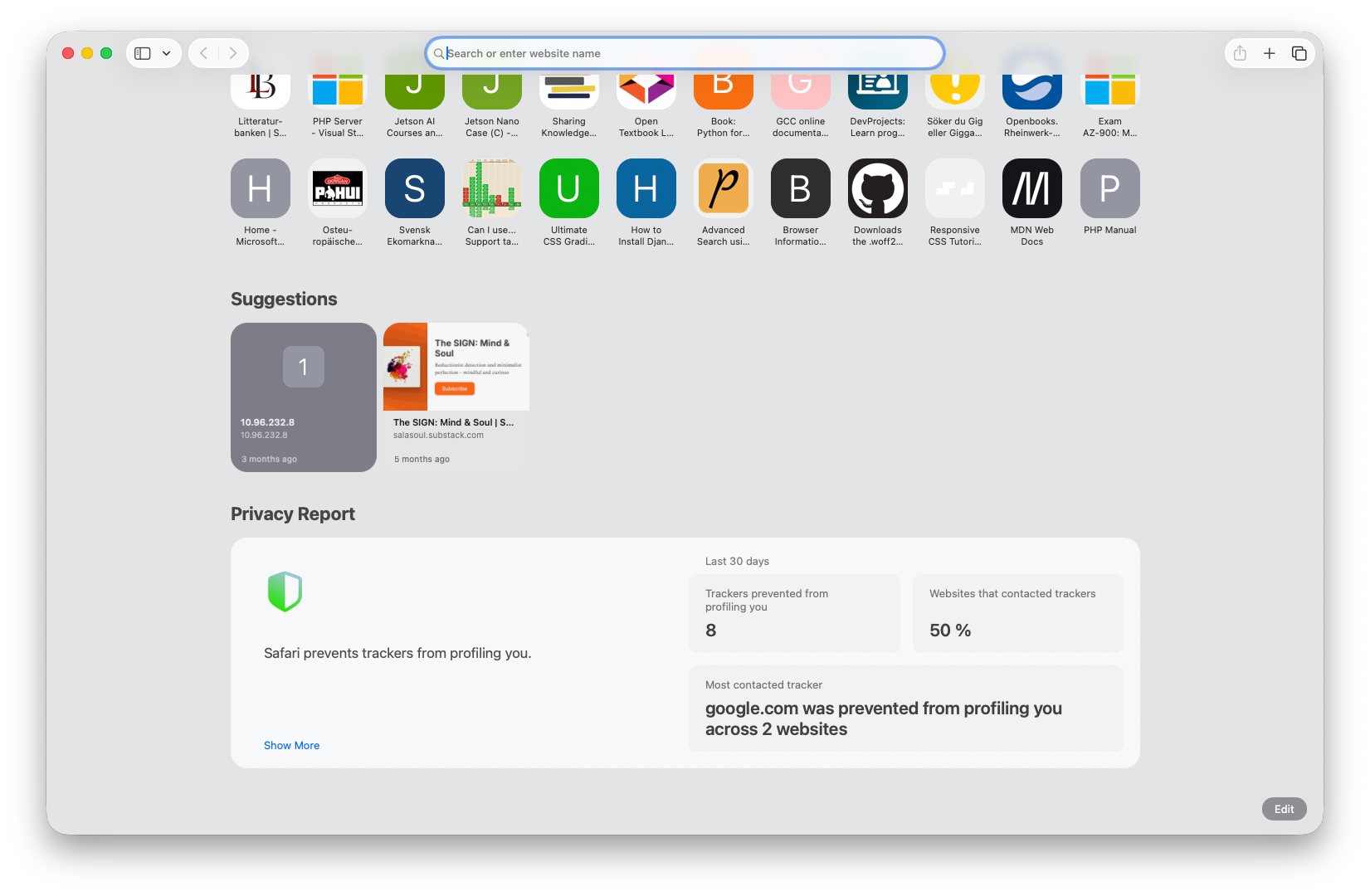
Next to that, it is an Apple user’s world. There are not many Windows or Linux users who use Safari or Webkit-based browsers – hence, not a real alternative for anyone else than users of Apple products. And even they often prefer other browsers, for whatever reasons.
Apart from all the theoretical stuff, I personally find Safari on the Mac a quite good browser for everyday use, but still one that has some user interface specialties that makes me move away from it every time I try using ot for a while.
I have sometimes thought about the Mac with its built-in software being a complete package that you could live with without ever installing any other software – if you didn’t have too advanced or specialized needs, of course. But still, almost everything on the computer – every bit of software it comes with – ends up being replaced by something else by most users. Same situation for Safari. It all works, it is all good, but not sufficiently appealing in the long run. To me, it is to some extent because of that closed world it represents.
Maybe you se this different than I do, and then, perhaps you will be happy with Safari.
Firefox and other Gecko-based browsers
The Mozilla corporation that makes Firefox, is owned by the Mozilla Foundation, which is a USA-based nonprofit organization.
It gets by far most of its income from Goggle, who pays for having the Google search engine preset in the browser – which is worth more than half a billion dollars a year to them. You can change the search engine to something else after installing the browser.
Mozilla makes the Gecko core, and on top of that, the Firefox browser. Both as open source projects with contributors from around the world, and from Mozilla.
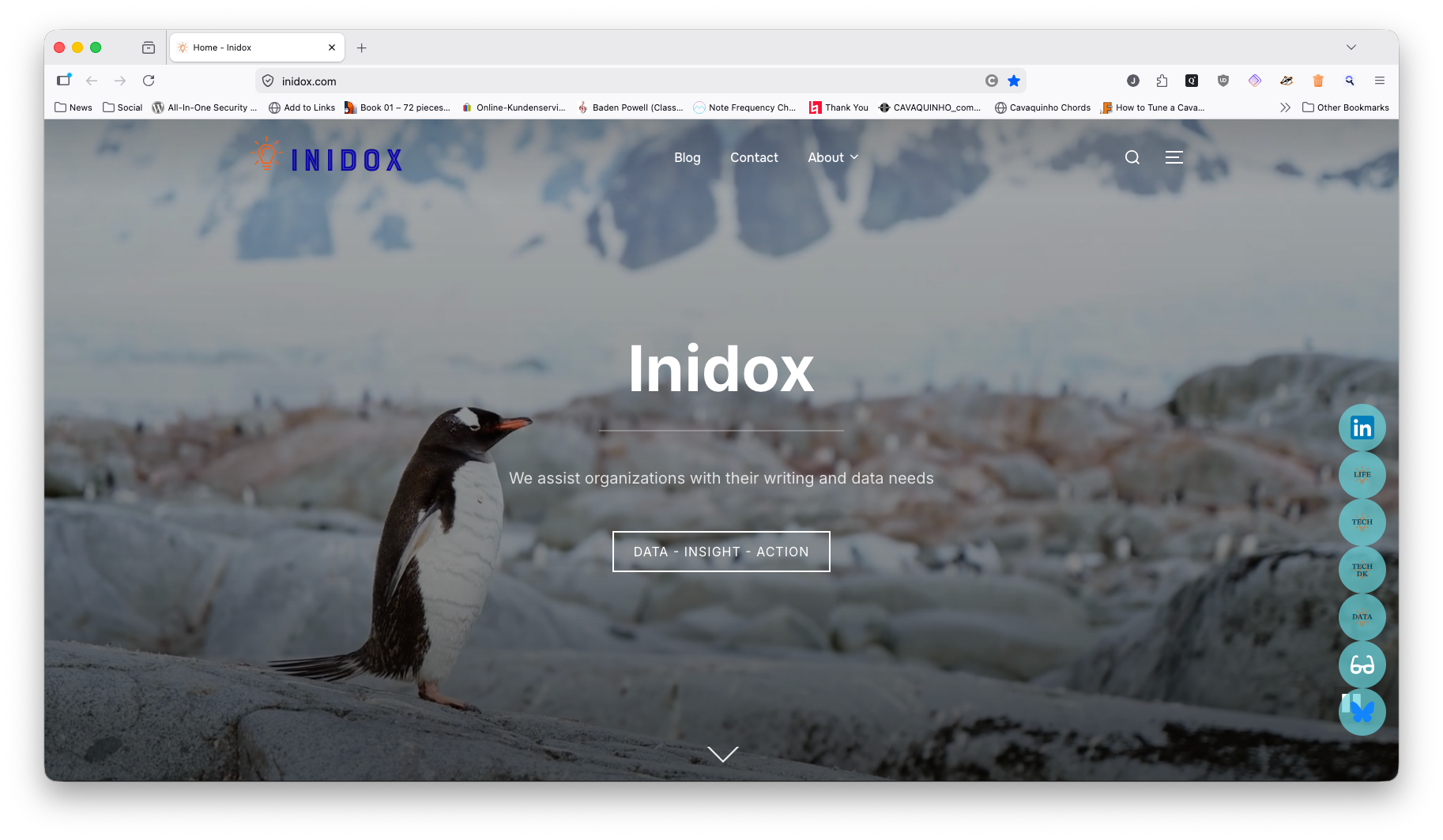
I think that many sees this browser as the open alternative to the for-profit driven approaches by Google, Microsoft, and Apple, and there has been periods where you would find many people recommending Firefox. Especially in the days when the browser market was completely dominated by Microsoft and their Internet Explorer.
However, nowadays, Firefox has a very small marketshare, and the other Gecko-based browsers are even more rare to see. This, because Google had a long ride of success with Chrome, and was able to initiate many alternative browsers based on Chromium.
With the current increase in awareness of the unfortunate construction and abuse of data that Chrome is connected with, it looks like very many computer users are looking for an alternative.
And here, Firefox is the most well-know and well-established alternative.
It is a feature-rich browser that offers a stream of new features and optimizations. To most users, Firefox will be an attractive alternative to Chrome, because of its many details that allow you to adjust it to your likings.
The many features, though, also cost a bit on the speed, the memory consumption, and the stability, as I have experienced it, so for some time, there really were good reasons for looking at Chrome instead, for an easier browsing day. However, as Firefox is much less prone to give away your private data than Chrome is, and as this has now been established as a fact, I wouldn’t hesitate to recommend Firefox over Chrome.
There is even a special Firefox for Business, that allows for easy central administration and is marketed by “combines open-source transparency with advanced security features and frequent updates to help safeguard your organization’s data”. That’s some promise, and I haven’t tried it, but it is clear that even businesses are now aware of the data security risks with Chrome and want to do something about them, so this argument might be just right.
If you are looking for a rich experience with many features, I believe that you will like Firefox the most, out of what is not Chromium based. And using this as your standard browser will work just as well for most people as using Chrome, so it is the most direct conversion to something more safe you can make.
Personally, I feel unhappy about participating in generating more profit to Google by using Firefox. Google pays half a billion dollars to Mozilla every year, because they use the search data delivered to generate even more money. But by switching to another search engine, the opposite happens: Google will effectively lose the money they have paid for this, so that’s, in my perspective, probably even better than just not letting them earn it :)
Then it comes as no surprise, I guess, that almost all “alternative” search engines are paid by Google in the same way, because they are also sending your data to Google. With some exceptions, but that wil be the topic of a separate article.
As for the other Gecko-based browsers on the market, there are several, but most are described by reviewers as unstable. There are two exceptions, though, and they have the exact opposite reputation: they are stable, pleasant to use, and super-safe – they are Tor and Mullvard, which I will discuss next.
Tor and the Tor browser
Tor is a network of computers that works as an abstraction layer for your browsing: instead of your own computer going directly to a DNS server to resolve the domain name and find the IP address of the server you are approaching, where the website you want to read is placed, the request is sent out in the network and then one of the computers there is doing it for you. And the connection to the server itself is made in a similar way, so that nobody in the world can know that it is really you who are looking at it – they believe that it is someone else.
In fact, not just some-one – your request will be relayed many times from computer to computer, until one of them finally send it to the destination. It is very difficult to track back where the original request came from.
The Tor browser is a Gecko-based browser, a derivate of Firefox, you could say, that has been stripped down to be simple and secure. And yet, it works mostly like all other browsers, and I guess that most people in most situations wouldn’t even notice the difference, when first the browser has been set up.
Because, for the Tor browser to work at all, it must be connected to the Tor network, and that’s the first thing to do when you have installed it. You can do it easily, though, by just accepting that the browser does it for you, in a way that will work. Or you can connect in a way that you want to, but that, of course, will require that you first find out what you want, which again may cause you to spend some time on it.
The browser offers a number of anonymizing features, such as letterboxing, that allows for the browser window to be set to only one of a few standard sizes, to prevent the width and heigh of your browser window to become part of a fingerprint that could identify you. It also addresses some of the problems mentioned for Google Chrome and Chromium, for instance hiding other details that could otherwise be used for fingerprinting.
When you close the browser, it deletes cookies and other privacy related data, so that the next session will be a fresh one. That stops, together with the anonymization features, any tracking between sessions (remember, though, that any website you log into will, of course, be able to track everything you do there).
There is a special option available: you can access websites that are not accessible through a normal web browser, because their naming and communication concept doesn’t follow the standard. These sites are hidden to normal browsers. They are called Onion sites, because these sites are part of a top domain called .onion (“Tor” itself is short for “The onion router”). That’s basically where “the dark web” is.
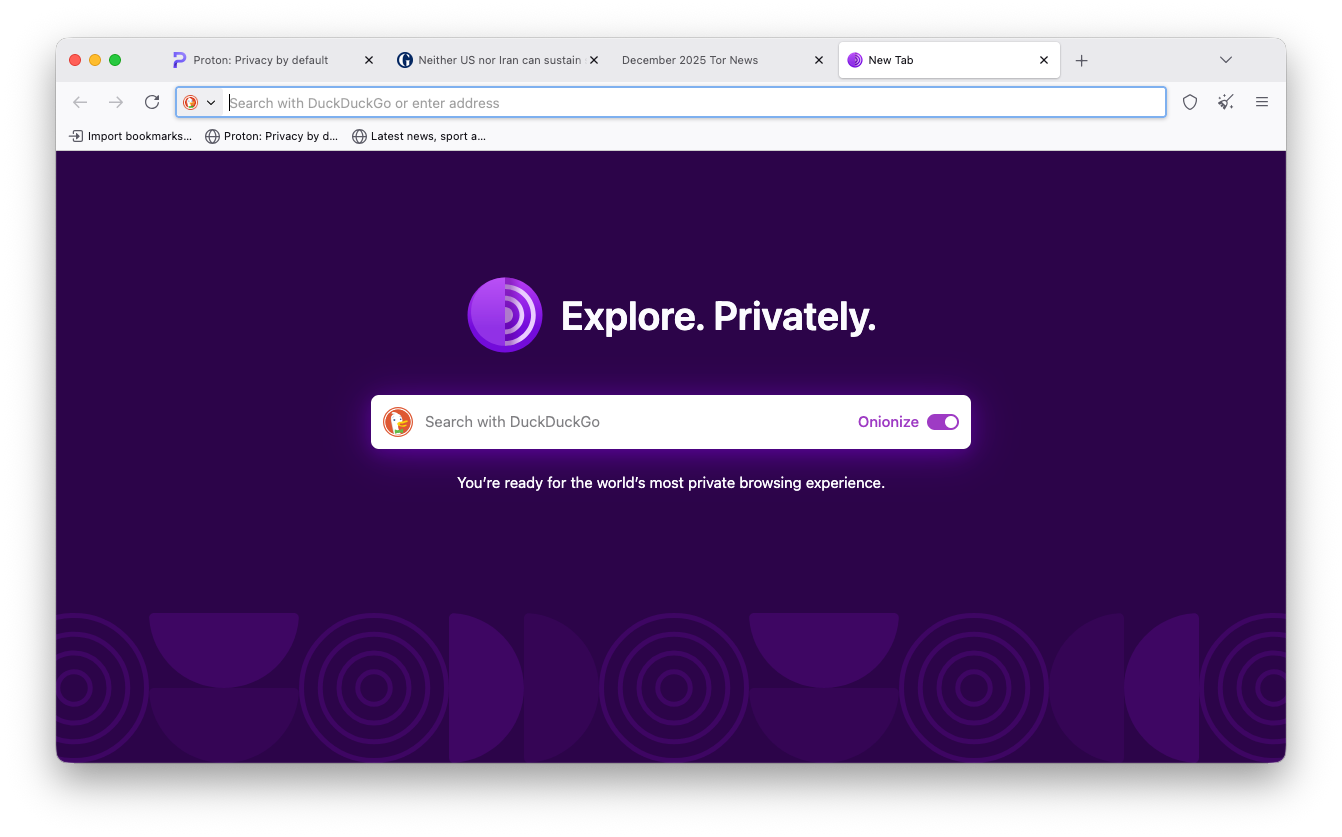
The dark web has become synonymous with crime and spy novels, but the term simply means that it is the areas of the Internet that you can’t see (with a normal browser). There is no automatic relation to anything criminal in the dark web. Tor can display basically any site on the Internet, and that makes it a bit more vulnerable for people to use who cannot judge what sites are reasonable to visit, and which are not. Of course, the ability to have websites that are hidden, will also inspire some people to put stuff there that wouldn’t survive in the daylight – I suggest to stay away from such sites if you happen to bump into them.
When a website address doesn’t follow a nomal pattern, it may be possible for you to see it (through Tor), even if you are in a country where the authorities have blocked a lot of sites. Because, they block sites through rules in routers, and these rules are based on the common patterns. This is not so much a matter of protecting your privacy, of course, but it is still a good thing to know that you have a potentially larger freedom to look at what you want on the Internet, not dictated by the authorities that may have dubious motives for their censoring.
There is a built-in VPN function, as described, in using the Tor network, but you can add another VPN on top of that, to become even more anonymous on the net. That will slow the whole thing down, though, and the Tor browser already isn’t the fastest, so you should be prepared for a user experience that is similar to what we had in the beginning of the Internet days – you know, with dial-up modems, etc., and pictures on the websites that sometimes didn’t show.
The US goverment is partially financing Tor, which is a USA-based project. Who know what that means with regard to backdoors and government surveillance? So far, I haven’t heard of anything like that being a fact. Let’s hope it isn’t; that Tor really is a free space in an otherwise totally surveilled world.
Tor is, as it is described, a great possibility to have for people who need to be private. For instance journalists in countries where journalism is forbidden, or people in general who find that what they do is perfectly okay but still, they don’t want every Big Tech, criminal organization, and intelligence service in the world to know about it.
And remember: it also offers added protection for access to sites on the normal parts of the Internet, i.e., those that are not in the dark web.
It is actually a fully useful browser for all normal purposes, so if you simply want maximum privacy, this is a good starting point.
Find the Tor browser for download at the Tor Project website.
The Mullvad browser
Mullvad is a Swedish company that mainly has one product, a VPN service, and then they offer the browser free of charge.
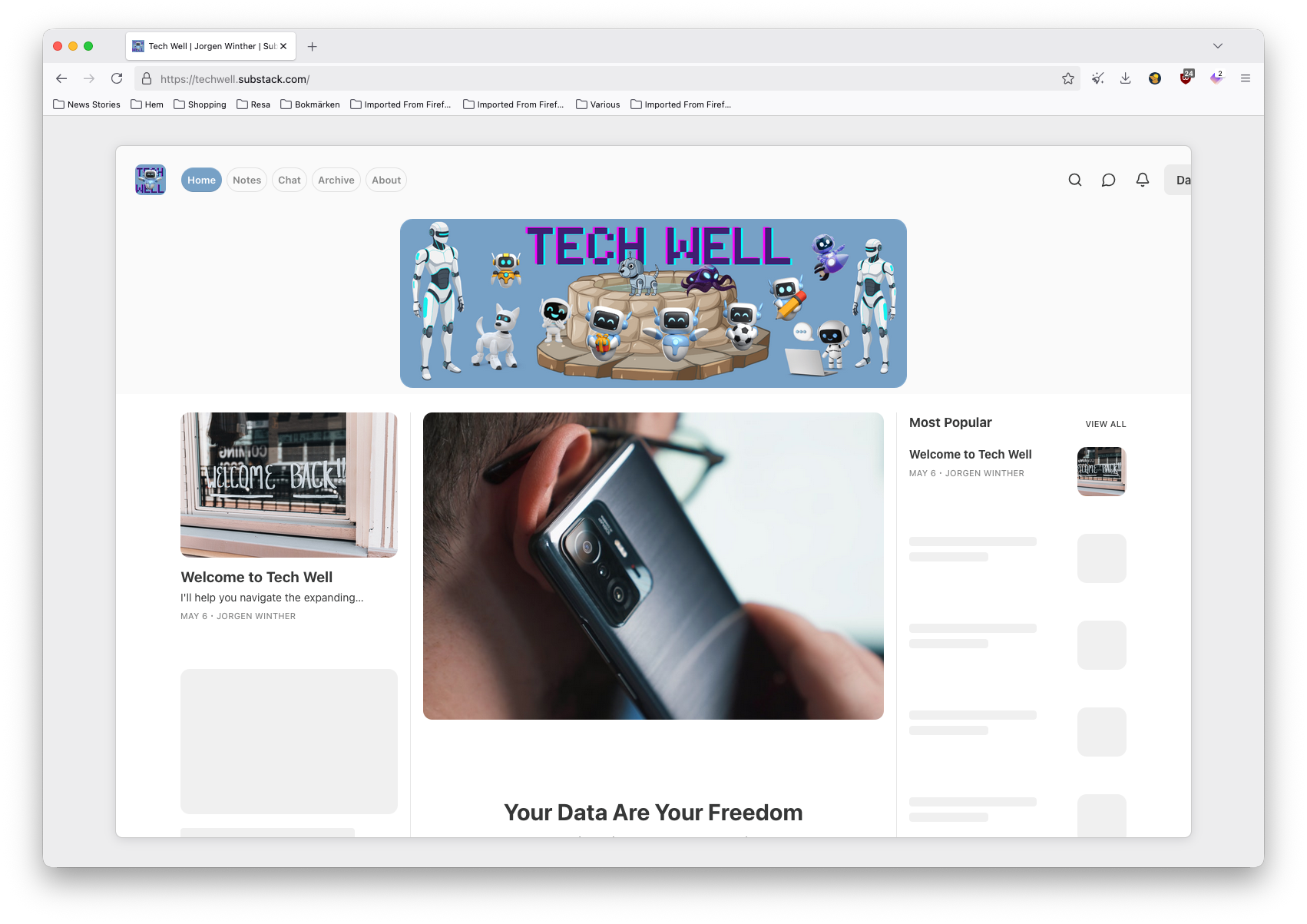
The Mullvad browser can collaborate with the VPN service, so that it is possible to switch it on and off from the browser, but, as they say at Mullvad, you don’t need to subscribe to that service to use the browser, and you can perfectly well use the browser also with other VPN services.
The browser itself is identical to the Tor browser, except for one, important detail: it doesn’t use the Tor network but functions instead in the same way as most other browsers, just with extra attention to secure browsing, through the features that Tor also has, such as letterboxing and other mechanisms to help avoid fingerprinting. As it is not using the Tor network but rather the normal web browsing mechanisms, it also cannot access .onion sites.
It is a very easy browser to use, and even though it may not offer a huge range of features, it can be extended by Firefox extensions to help you make your everyday with the browser as convenient as possible. Just be aware that extensions involve third parties, and, hence, increase the risk of someone spying on you through them.
Such as the Proton Pass extension for Firefox works fine, and I have become quite fond of that one, so to me, this is already a sales argument :)
This link is an affiliate link3, leading to a page with a good offering on Proton Ultimate, which includes Pass and some other products. I thought I would share it with you – if you subscribe to Tech Well, you’ll get some more links to additional offerings.
Mullvad is less private than Tor, but not much, under normal circumstances, and it is a quite fast and pleasant browser to work with.
It gives you the full scope of privacy if you remember to close the browser after each session, so that it can start with fresh details the next time, not allowing form any tracking by websites across sessions. But, of course, you can leave it open during several days, such as I tend to do, and that will then reduce the privacy level a bit – but not to as low a level as most other browsers work at.
Hence, I can’t see any good reason for not just using this one as your standard browser. Perhaps with Tor as a second option, for when you feel that you want the maximum privacy possible.
Find the Mullvad browser for download at the Mullvad website.
Your choice
Many people don’t want trouble. They believe, that if Microsoft has put Edge on their computer, they must use that one. Or if “everybody” is using Chrome, they must also use that. Or if their bank says that it only supports Chrome, then everything they do on the Internet must be through Chrome.
But, first of all; Microsoft, Apple, or any other Big Tech company, are not doing what they do to make you happy. And they are certainly not doing it to preserve your privacy – on the contrary. So you shouldn’t follow their push, or their advice.
And the bank may have designed their website so that it only works on Chrome, and if you can’t avoid using the site, then maybe you should just have Chrome installed for that one purpose? Or perhaps better, try out some other browsers, and if one of them turns out to also work with the bank site, then use that instead, when banking.
Think about, when the bank recommends Chrome, it is often just an easy way for their supporters to make things work. There could easily be other ways of making it work, but then you’ll have to find those yourself, by experimenting a bit.
So, in general, don’t be afraid of having more than one web browser. Use the best one for most purposes, and use others for what they are needed for. This way, you’ll be able to design a life that is almost as convenient as when just using what came with the computer, but which to a much higher degree protects your privacy.
Always remember, what can be difficult to see sometimes, that you own the computer, you pay for your Internet connection, and all the data you have are yours.
Big Tech has no right whatsoever to behave like if they own you or your computer, or your data. They may have to power to enforce such a condition, but only if you let them.
And by the help of a simple browser change, you can stop them from, or severely limit them in stealing your data.
Another thing to consider: We all sort of vote with our feet. If we run away from Chrome, then maybe Google will change their behavior, and at least, other vendors will see that there is a market to go for here, so they may produce better alternatives.
We all win on that.
—oOo—
The statistics vary over time, of course, but also from where you get them. Currenty, you can expect to find somewhere around 67% of website views being done from Chrome, and about 10% from other Chromium-based browsers. Firefox has a close to 3% marketshare, and Safari and Webkit-based browsers then make up almost the remaining 20%.
For those not familiar with the open source/software development term “fork” – it simple means a copy of the code that is then being developed as a new code, no longer part of the original project. Often, a fork will get a new name, and over the years, it will become more and more different from the original project. Forks are made all the time in the open source programming world, which is one of the reason for so many different projects and pieces of software being in existence – it takes a few seconds to make a fork, and then you have a new product.
Affiliate links means that if you click on them and decide to buy something from the site you get to, I may earn a commission. You will still benefit from the offer, so it it is the company, in this case Proton, who pays for it all. I use affiliate agreeements on this substack to make it possible to share such offerings and make th readers happy, and, potentially, to earn a bit myself. Remember, though, that first of all, I will not recommend anything that I don’t like, and second, you decide yourself if any offer given is interesting for you – please buy it only if you like like.
Here's a bit of info about the "Gemini Nano" on-device AI engine that Google Chrome downloads, just like that: https://www.theregister.com/ai-and-ml/2026/05/09/google-tweaks-chrome-ai-privacy-wording-insists-processing-stays-on-device/5237580?utm_source=dlvr.it&utm_medium=bluesky
Anyone can of course think of this what they want, but I find it problematic when software and service providers do such stunts – I clearly prefer that "if I buy a horse, I get a horse", without an extra crocodile added. And the fact that Chrome is for free doesn't change anything: they could charge a price for it, if they wanted, and whatever that price would be, we would still need to agree on what it was that price would cover – also if it was zero.